
How can we help?
Everything you need to run, join and interpret an accessible meeting on Acceasy Meet. Pick the guide that matches what you are doing.
Joining a meeting
Join by link or code, set up your camera and microphone, use the control bar, choose your view, and turn on live captions.
Read the guide →Hosting a meeting
Create meetings, invite people, choose who can join, moderate the room, run a webinar, and invite sign-language interpreters.
Read the guide →Sign-language interpreting
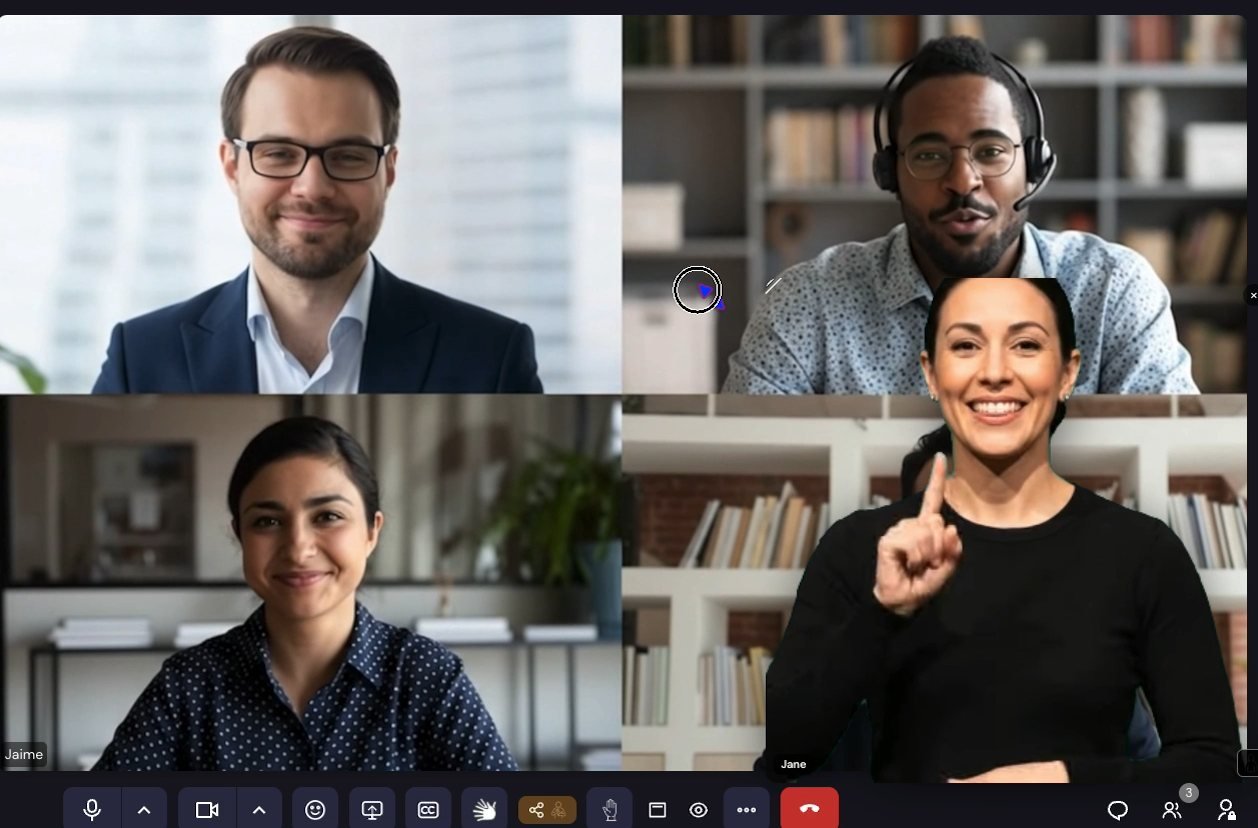
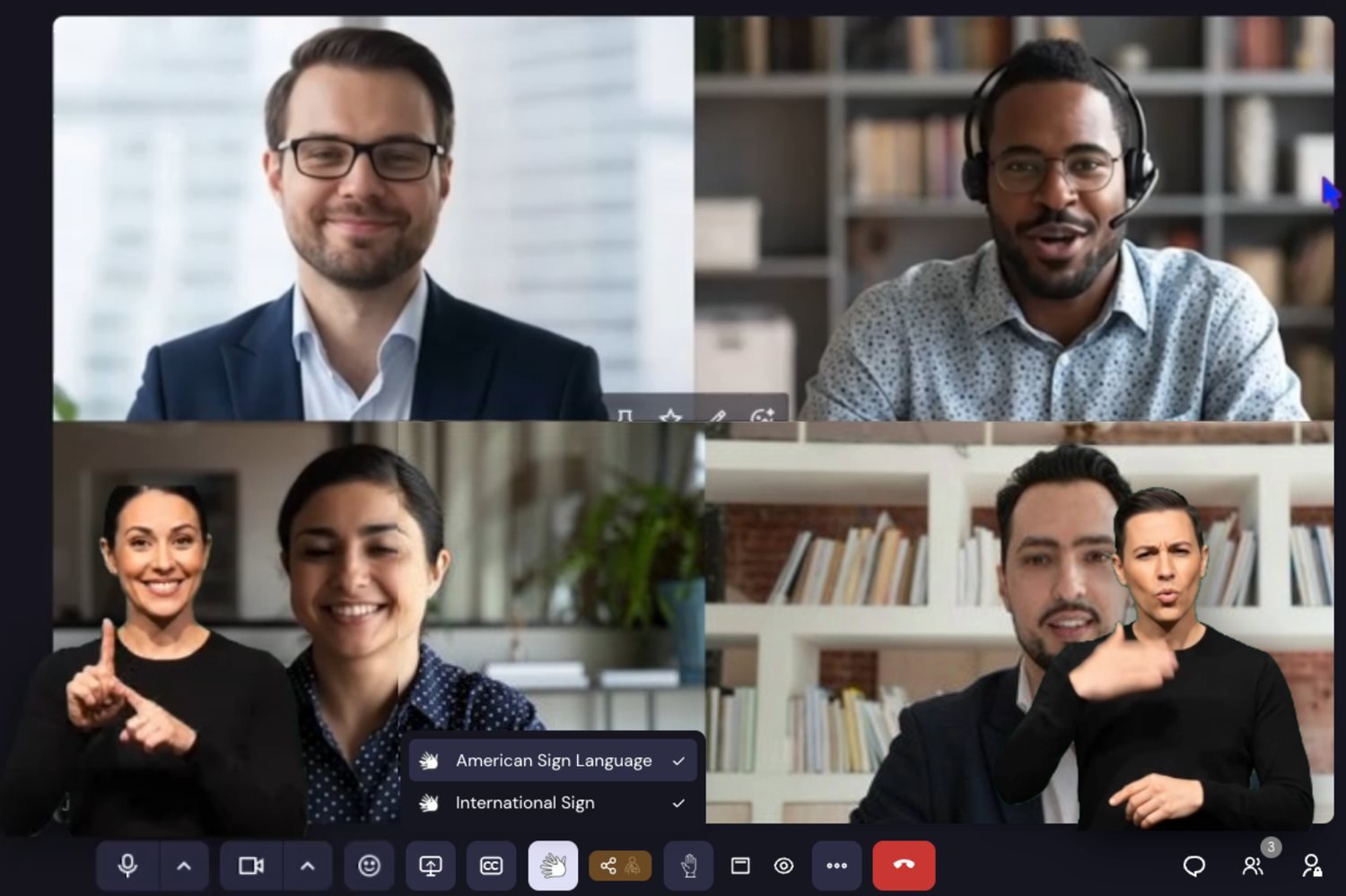
The feature Acceasy Meet is built around. Set up your space, remove your background, choose your sign language and go live as a floating overlay.
Read the guide →Reference
Keyboard shortcuts, the glossary, account tiers, and answers to the problems people hit most often.
Read the guide →What makes Acceasy Meet different
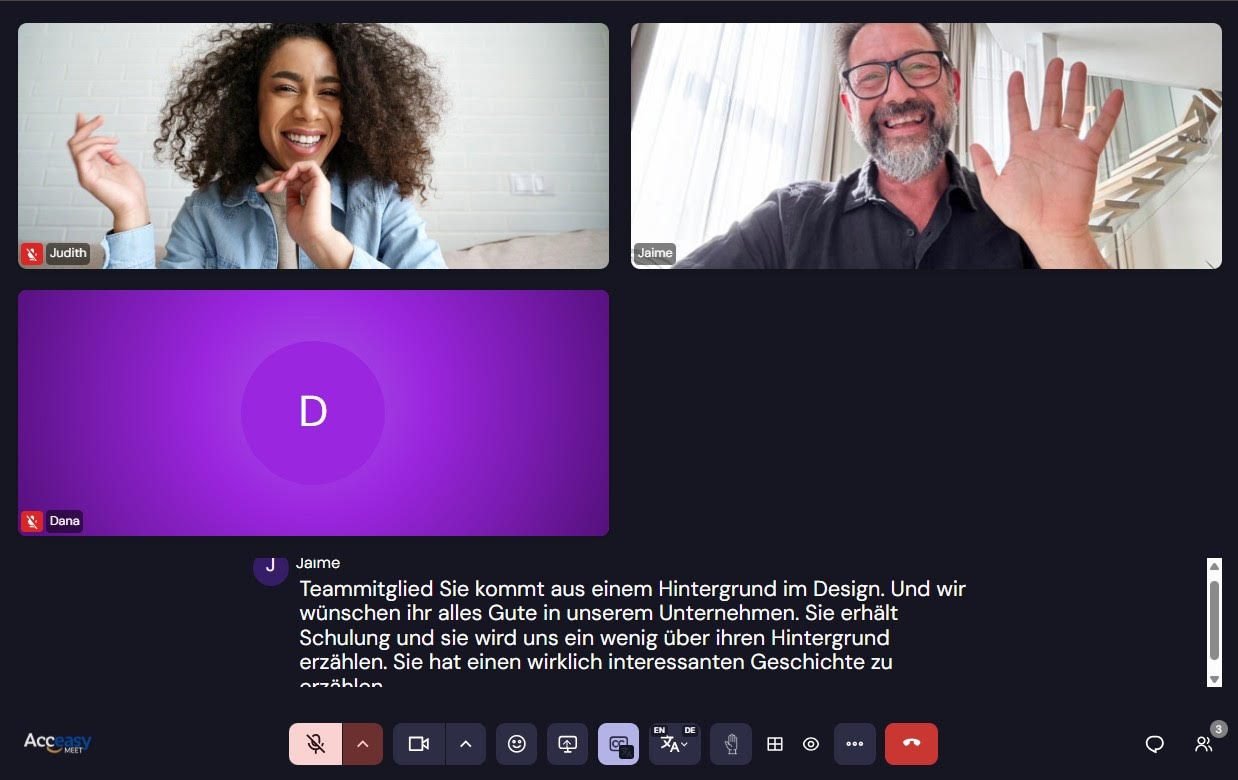
Three accessibility features are built into the platform rather than bolted on. All of them are optional — nobody is required to use any of them, and the system does not record which ones you use.
About this guide
This describes Acceasy Meet as configured at
acceasy.u-i-x.com, where live captions, real-time
subtitle translation and sign-language interpreter overlays are all
active. Recording, transcript export, custom background uploads and
phone dial-in are switched off on this installation — pages say so
where it matters.